
Practical security
Protect the accounts and files your business relies on.
Stronger sign-in, clearer staff access and a plan for recovering important files. We help you work out what needs attention first.
Remote work. Gippsland visits by arrangement.

Get clarity
Start with the things you depend on.
Can the right people sign in?
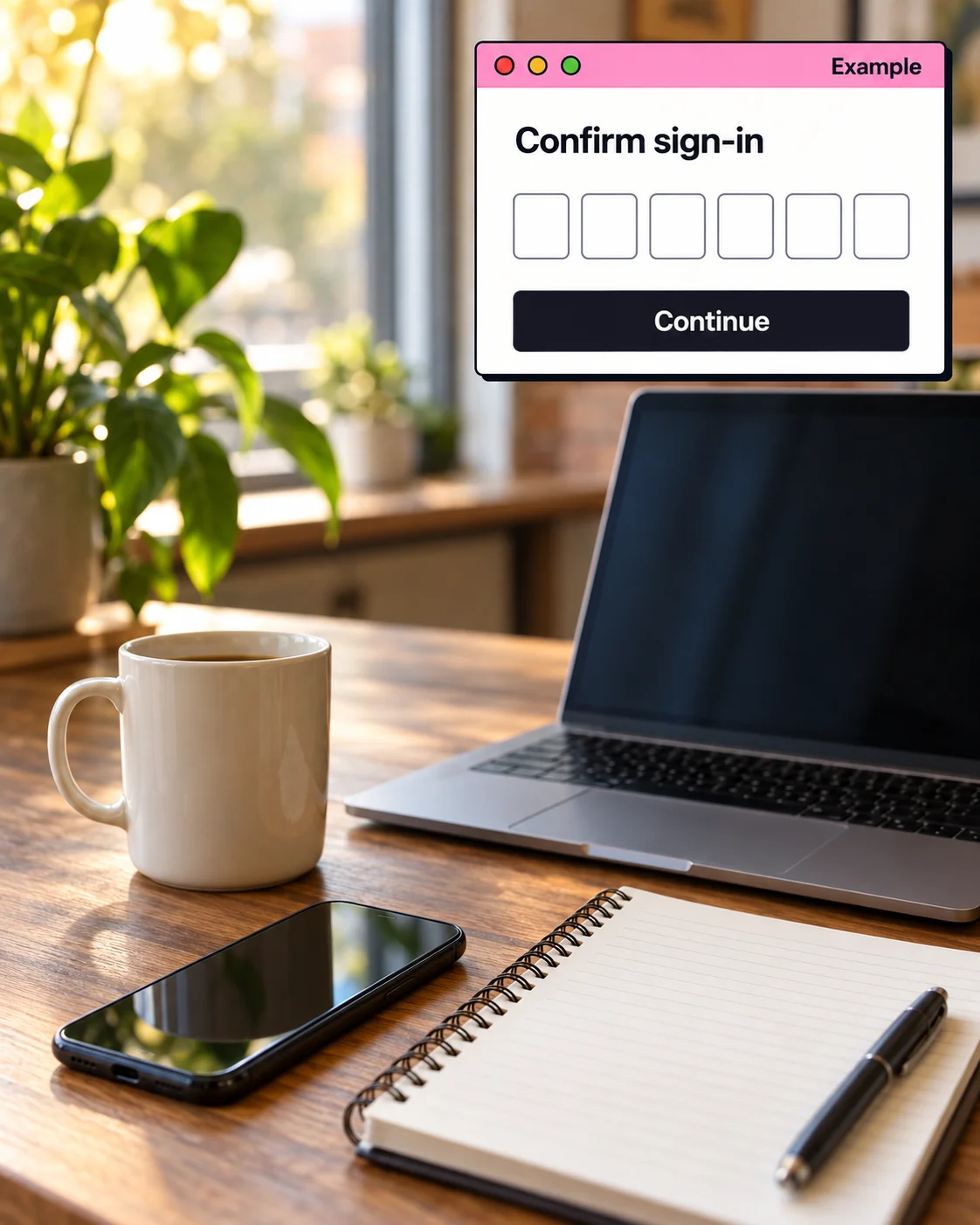
Set up stronger sign-in and sensible recovery details.
Who still has access?
Review staff and supplier access and remove what is no longer needed.
Are computers getting updates?
Check important update settings on suitable Windows devices.
Could you get your files back?
Review backups and the steps for restoring important files.
Your business keeps control of its accounts and access. Defined security projects, with no continuous monitoring or guaranteed incident response.
When to ask about security
- Important accounts do not have strong sign-in protection.
- Staff or suppliers may still have access they no longer need.
- Updates and device settings have become inconsistent.
- Backups exist, but no one is confident they can be restored.
Pricing
Agree the work before anything changes.
We confirm availability before booking the work.
- Initial scope
- We identify the accounts, devices and concerns involved.
- Written project quote
- The fee, timing, travel and any extra software are listed clearly.
- Optional follow-up
- Later checks and improvements are agreed separately.
Illustrative scope
What a project could involve.
A small business knows sign-in protection is inconsistent, old access may still exist and no one has checked whether important backups can be restored.
This example explains the process. It is not a client result or a fixed package.
- The work
- Review the priority accounts, access list, device update settings and backup arrangement, then apply the safeguards agreed for the most important gaps.
- What you provide
- Administrative access, a current staff and supplier list, details of key devices and services, and someone authorised to approve access changes.
- Before work begins
- The initial review establishes which systems are included and how changes will be coordinated. You receive a written scope, quote and schedule before changes start.
- Handover
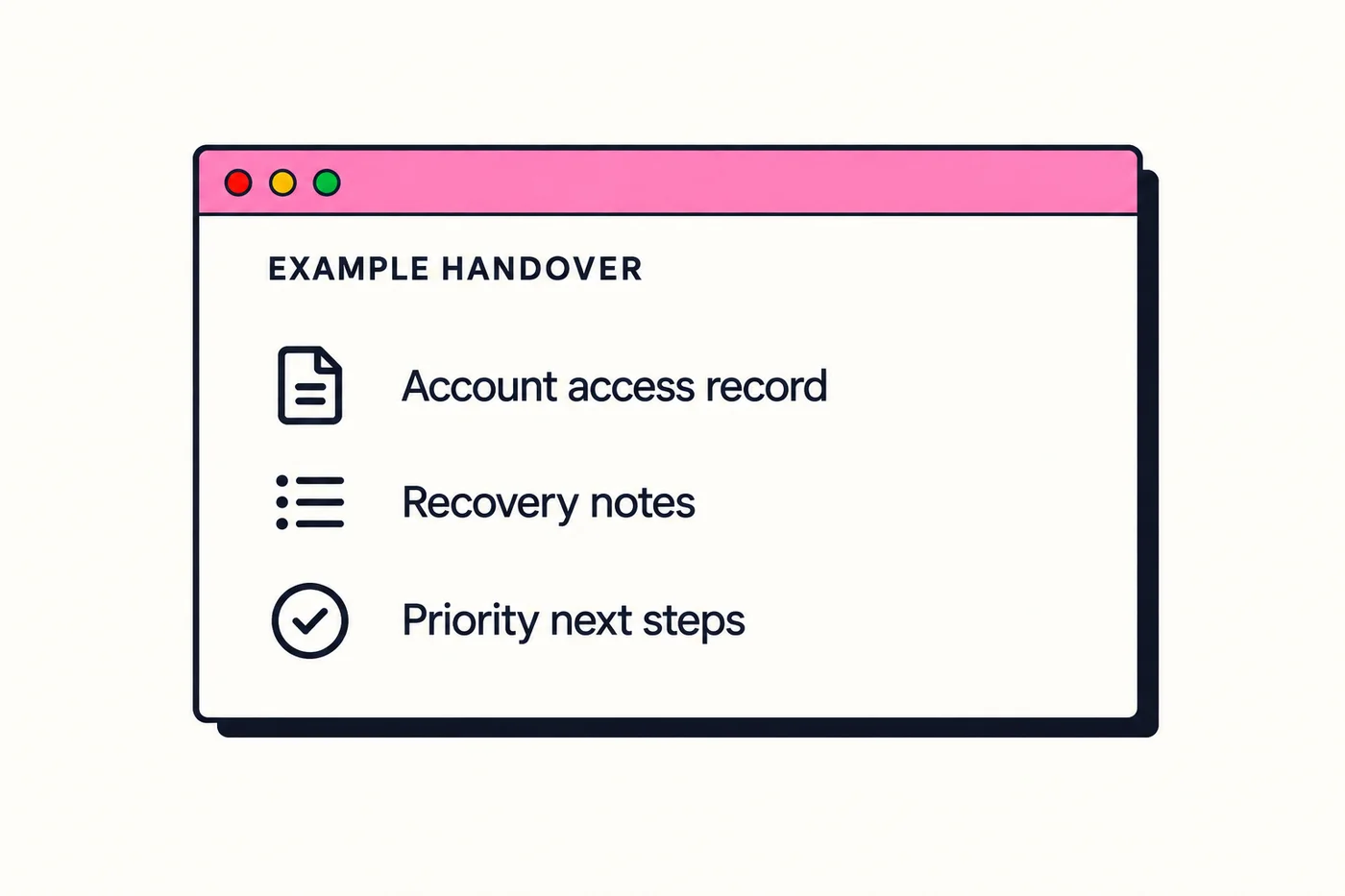
- You receive the agreed protections, an updated access record, recovery notes and a prioritised list of any follow-up work.
- Later help
- Windows security tools are a starting point where suitable. Additional software is considered during scoping.
Experience behind the work
Servo ICT brings Microsoft Fundamentals training, Azure consulting experience and cybersecurity experience to planned small business projects. This describes the experience behind the service, not a client outcome.
Servo ICT is owned and operated by Rowan Paterson in Gippsland.
About Servo ICTHow it works
We make security straightforward.
- 1
Tell us what worries you
A quick chat about the accounts, devices or files you rely on.
- 2
Agree the priorities
We suggest what to do first and agree the work and timing.
- 3
Make the changes and walk through them
We make the agreed changes and show you how things work.
Planned improvements. No continuous monitoring or guaranteed incident response.
Common questions
Useful details before you enquire.
What will the work cost?
Security projects are quoted after the systems, equipment and work involved are confirmed. The written proposal lists the scope, fee, schedule, any travel costs and third-party fees. You approve it before work begins.
Can you help with an urgent cyber incident?
This service covers planned security improvements. Urgent work depends on availability and does not include guaranteed incident response. For an active cyber incident, contact the Australian Cyber Security Hotline on 1300 CYBER1 (1300 292 371).
What should I include in the enquiry?
Name the services and devices involved, describe the issue you are worried about and state any deadline or business impact.
Do I need to share passwords to enquire?
No. Describe the issue and affected services, but do not include passwords, recovery codes or other credentials. Any access needed for agreed work is identified during scoping.
What security software do you use?
For Windows computers, Microsoft Defender Antivirus, Windows Firewall and automatic updates are the starting point when they suit the device, business needs and risks. Any additional security software is considered during scoping and quoted if needed.
Can you secure Macs?
Windows is the core supported desktop platform. For macOS work, enquire with the device and issue details so Servo ICT can assess whether the project is a fit.
Is this an ongoing security subscription?
The main service is a defined security setup or improvement project for systems your business manages. Automatic updates and an optional check-in roughly every six months can be agreed as part of the project. The check-in reviews access, update status and recovery arrangements; it does not provide continuous monitoring.
Get in touch
Start with the concern on your mind.
Name the account, computer or files you depend on and what concerns you. Servo ICT can help work out what needs attention first.
Please keep passwords and recovery codes out of your enquiry. This service does not provide guaranteed incident response.
(03) 4148 8665